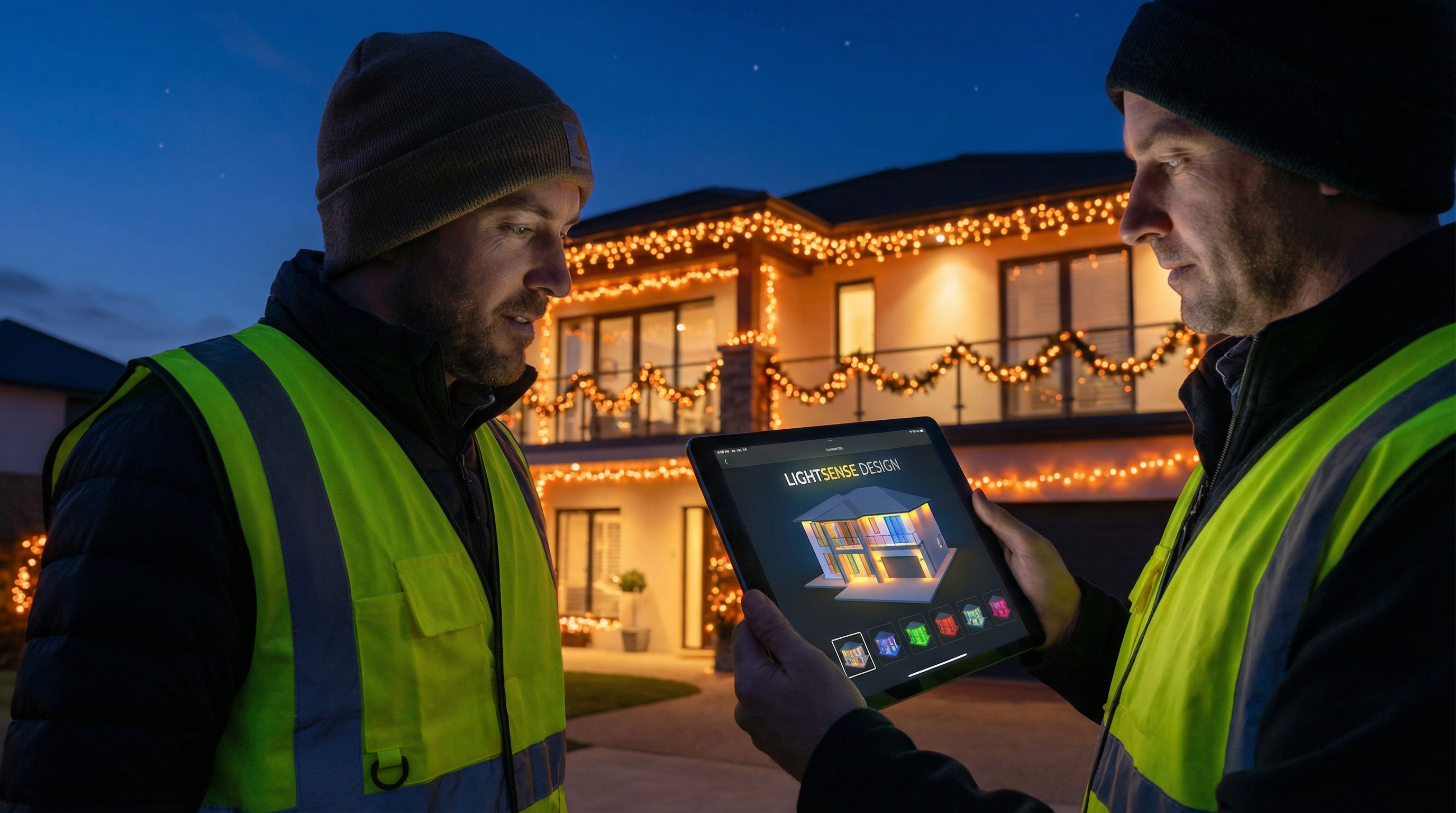
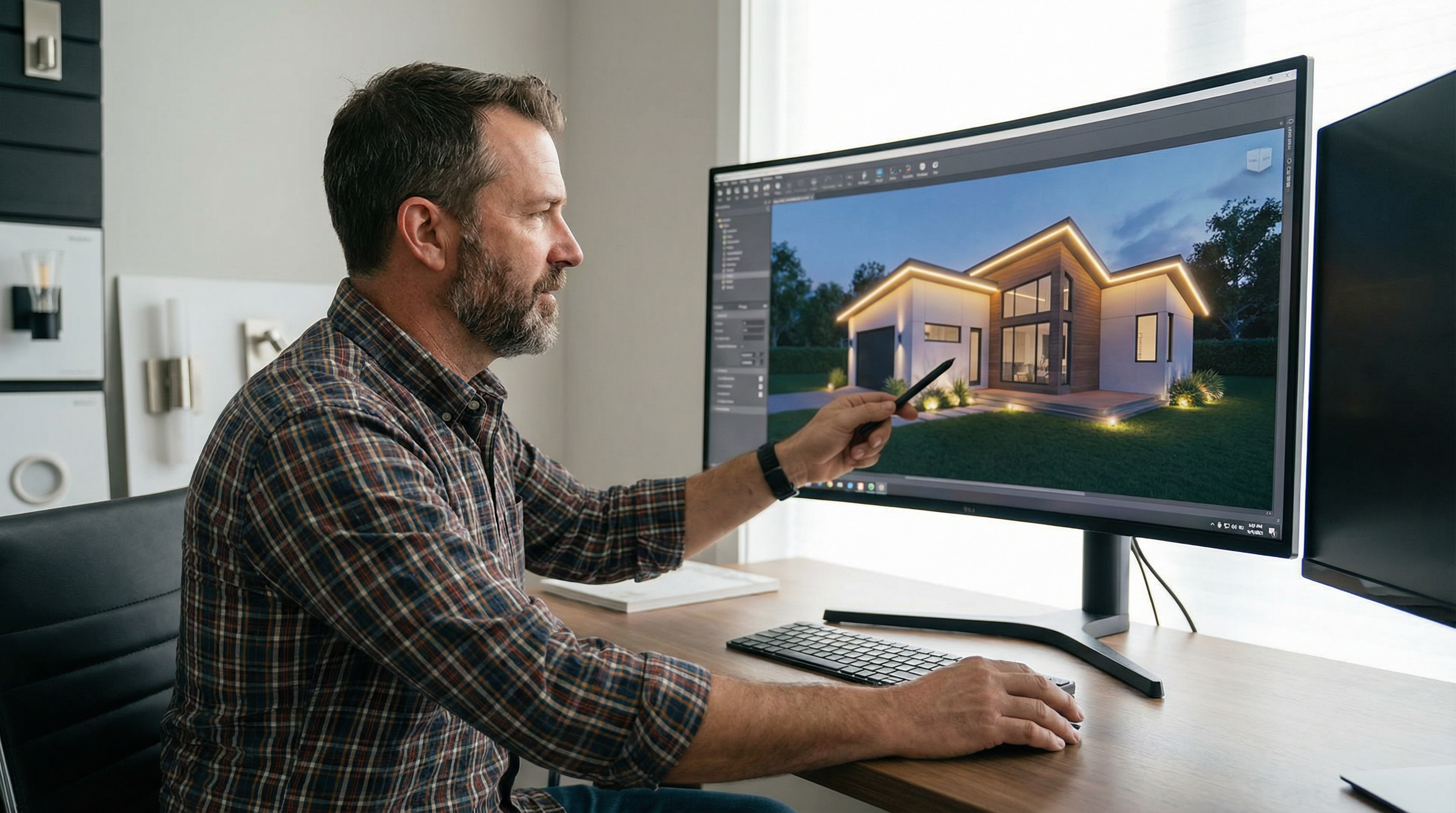
Permanent Outdoor Lighting Design Software: Complete Guide
The first comprehensive guide to permanent outdoor lighting design software, covering mockup tools, CAD, and manufacturer apps for contractors.
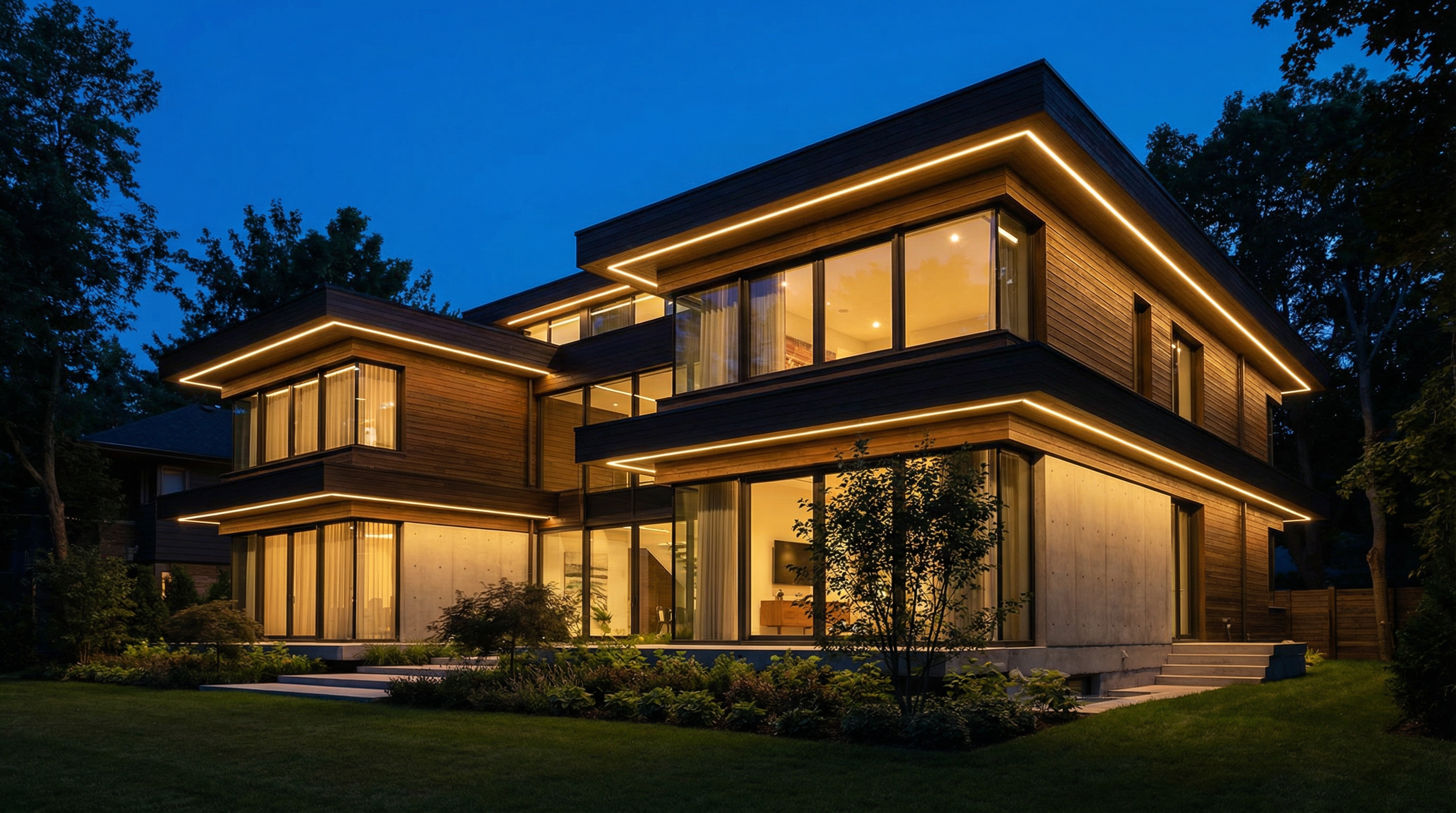
Permanent outdoor lighting design software allows contractors to create photorealistic mockups of lighting installations on a client's property, helping to visualize the final result and close sales faster. The best software for most lighting professionals are dedicated visualization tools like IgnitelyAI, which are specifically built for creating sales proposals quickly, while other options include more complex CAD software and manufacturer-specific control apps.
Why Do I Need Permanent Lighting Design Software?
In the competitive world of permanent and holiday lighting, a picture is truly worth a thousand words—and potentially thousands of dollars in revenue. Gone are the days of relying on verbal descriptions and a portfolio of past work. Clients today expect to see what their home will look like. This is where design software becomes an indispensable tool for the modern lighting contractor.
Using professional design software elevates your business by:
- Closing More Deals, Faster: A realistic mockup removes guesswork and hesitation from the client's decision-making process. When they can see a stunning visual of their home illuminated, they are far more likely to say "yes" on the spot. Companies using mockup software often report closing rates jumping by 2-3x.
- Increasing Average Job Value: Visual proposals make it easy to upsell. You can present a "good, better, best" scenario, showing a basic package versus one with added architectural features, landscape lighting, or more complex color schemes. This visual comparison is a powerful tool for encouraging clients to invest in a more comprehensive (and profitable) installation.
- Saving Time and Reducing Errors: Manually measuring and quoting jobs is time-consuming and prone to error. The best design software incorporates measurement tools that calculate linear footage directly from a photo, ensuring your material orders and price estimates are accurate from the start. This can save dozens of hours per week during the busy season.
- Enhancing Professionalism: Presenting a client with a custom, professional design mockup instantly sets you apart from competitors who are still using pen-and-paper quotes or generic sales pitches. It shows you are a serious, tech-savvy professional who invests in the best tools for the job.
Types of Permanent Outdoor Lighting Software
Not all lighting software is created equal. They generally fall into three distinct categories, each serving a different purpose. Understanding the differences is key to choosing the right tool for your business.
1. Mockup & Visualization Software (Recommended)
This is the go-to category for sales-focused lighting contractors. These tools are specifically designed to create compelling, realistic mockups of lighting on a client's property in minutes.
How it Works: You simply upload a photo of the client's home or business, trace the rooflines or areas to be lit, and the software overlays the lights. You can then customize bulb spacing, colors, brightness, and even add decorations like wreaths and garland.
Key Features to Look For:
- Ease of Use: The interface should be intuitive, allowing you to create a design in under 5 minutes.
- Realism: The lights should look like they are actually part of the photo, not just cartoonish dots.
- Customization: Ability to adjust bulb size, spacing, color (RGB and warm/cool whites), and brightness.
- Measurement Tools: Integrated tools to measure linear footage for accurate quoting.
- Permanent & Holiday Lighting: The flexibility to design both year-round permanent tracks and seasonal C7/C9 bulbs.
For contractors looking to streamline their sales process, IgnitelyAI offers a powerful mockup generator that combines ease of use with stunningly realistic results. You can create a complete proposal in minutes, helping you close more deals without the steep learning curve of traditional design software. Learn more about IgnitelyAI's mockup generator.
Other popular options in this category include Strandr and Perma Lights App, which also offer robust features for creating visual proposals.
2. CAD & 3D Modeling Software
For highly complex, large-scale architectural or commercial projects, some contractors may turn to Computer-Aided Design (CAD) software like AutoCAD or 3D modeling programs like SketchUp.
How it Works: These programs require you to build a 2D or 3D model of the property from scratch or by using architectural blueprints. You can then place light fixtures with extreme precision, run lighting calculations (photometrics), and create detailed technical drawings for installation crews.
Advantages:
- Unmatched Precision: Essential for projects where exact fixture placement and beam angles are critical.
- Technical Detail: Can produce detailed schematics and construction documents.
Disadvantages:
- Steep Learning Curve: Requires significant training and experience to use effectively.
- Time-Consuming: Creating a model and design can take hours, if not days, making it impractical for the average residential sales process.
- High Cost: Professional CAD software licenses can cost thousands of dollars per year.
Verdict: While powerful, CAD software is overkill for 95% of residential and light commercial permanent lighting contractors. It's best suited for lighting engineers or designers working on large, specified projects, not for creating quick sales mockups.
3. Manufacturer Control Apps (For Homeowners)
This is a common point of confusion. Brands like Gemstone, Jellyfish Lighting, and EverLights offer fantastic mobile apps. However, these are control systems for the end-user, not design software for the contractor's sales process.
How they Work: After the lights are installed, the homeowner uses these apps to:
- Turn the lights on and off.
- Select colors and patterns.
- Create schedules and timers.
- Sync lights to music.
These apps do not allow you to upload a photo of a prospective client's home and design a system from scratch for a sales proposal. They only work with their own brand of lights that have already been installed.
- Gemstone Lights: Uses the Gemstone Hub2 app for homeowner control. It integrates with Google Home and Alexa for voice commands.
- Jellyfish Lighting: Controlled via the Jellyfish Designer or Jellyfish Cloud app, which offers a wide range of preset programs and customization options.
- EverLights: The EverLights App allows users to control zones and create custom sequences. It also has integrations with smart home platforms.
Think of these as the remote control for the finished product, not the blueprint used to sell it.
Comparison of Lighting Software Types
| Feature | Mockup/Visualization Software | CAD & 3D Modeling Software | Manufacturer Control Apps |
|---|---|---|---|
| Primary Use | Sales Proposals & Visual Mockups | Technical Design & Engineering | Post-Installation Control |
| Primary User | Lighting Sales Professionals | Lighting Engineers, Architects | Homeowners |
| Ease of Use | Very Easy (Minutes to learn) | Very Difficult (Weeks/Months to learn) | Easy (Designed for consumers) |
| Cost | Low Monthly/Annual Subscription | High Perpetual or Subscription Cost | Free (with hardware purchase) |
| Speed | Extremely Fast (Under 5 mins/design) | Very Slow (Hours or days/design) | N/A (Controls existing lights) |
| Best For | Closing residential & light commercial deals | Large, complex architectural projects | Homeowner's daily use |
How to Choose the Right Permanent Lighting Software
For the vast majority of permanent lighting contractors, the choice is clear: mockup and visualization software provides the best return on investment.
Ask yourself these questions:
- Is my primary goal to sell more lighting jobs? If yes, you need a sales tool. A mockup generator is a sales tool. CAD is an engineering tool.
- How much time can I afford to spend on each proposal? If the answer is minutes, not hours, you need a mockup generator.
- Who is using the software? If it's you or your sales team, you need something intuitive and fast. If you have a dedicated lighting engineer on staff, they may require CAD.
By focusing on tools that directly impact your sales and profitability, you can grow your business more effectively. For more tips on selling, see our guide on how to price permanent lighting jobs.
Frequently Asked Questions
What is the best software for creating a permanent LED lighting mockup?
The best software for creating a permanent LED lighting mockup is a dedicated visualization tool like IgnitelyAI. These platforms are designed for speed and realism, allowing contractors to create compelling sales proposals in minutes by uploading a photo and drawing lights directly onto it.
Can I use my lighting manufacturer's app (like Gemstone or Jellyfish) to design a system for a new client?
No. Manufacturer apps are designed for homeowners to control their lights after installation. They do not have the functionality to upload a photo of a new property and create a sales mockup from scratch. For that, you need pre-sales visualization software.
Is CAD software like AutoCAD good for designing permanent lighting?
CAD software is extremely powerful for detailed engineering and architectural planning, but it is generally not a good choice for the average contractor's sales process. It is too slow, expensive, and complex for creating the quick visual mockups needed to close residential deals.
How does permanent lighting design software help increase sales?
It helps increase sales by removing the client's uncertainty. A photorealistic mockup shows them exactly what they are buying, making them more confident in their decision. It also allows contractors to easily present tiered options (e.g., roofline only vs. full architectural lighting), which is a proven strategy for upselling and increasing the average job value.
Do I need design experience to use permanent outdoor lighting design software?
For mockup and visualization software like IgnitelyAI, you do not need any prior design experience. These tools are built with an intuitive, point-and-click interface that allows anyone to create a professional-looking design in just a few minutes.
Can this software measure the property for me?
Yes, many leading visualization software platforms, including IgnitelyAI, incorporate measurement tools. You can trace the rooflines or other features on the client's photo, and the software will calculate the linear footage, which is crucial for creating an accurate quote and ordering the right amount of material.
What's the difference between designing for permanent lighting and holiday lighting?
Permanent lighting typically uses a track system with smaller, less obtrusive RGB-capable pucks, often installed directly into the soffit. Holiday lighting involves larger, more traditional bulbs like C7s and C9s that are temporarily clipped to gutters and rooflines. The best design software allows you to visualize both types, adjusting for bulb size, spacing, and style to create an accurate mockup for either application.
Ready to Transform Your Lighting Business?
Join thousands of lighting contractors using IgnitelyAI to create stunning mockups, close more deals, and grow their business.
Start Your Free Trial