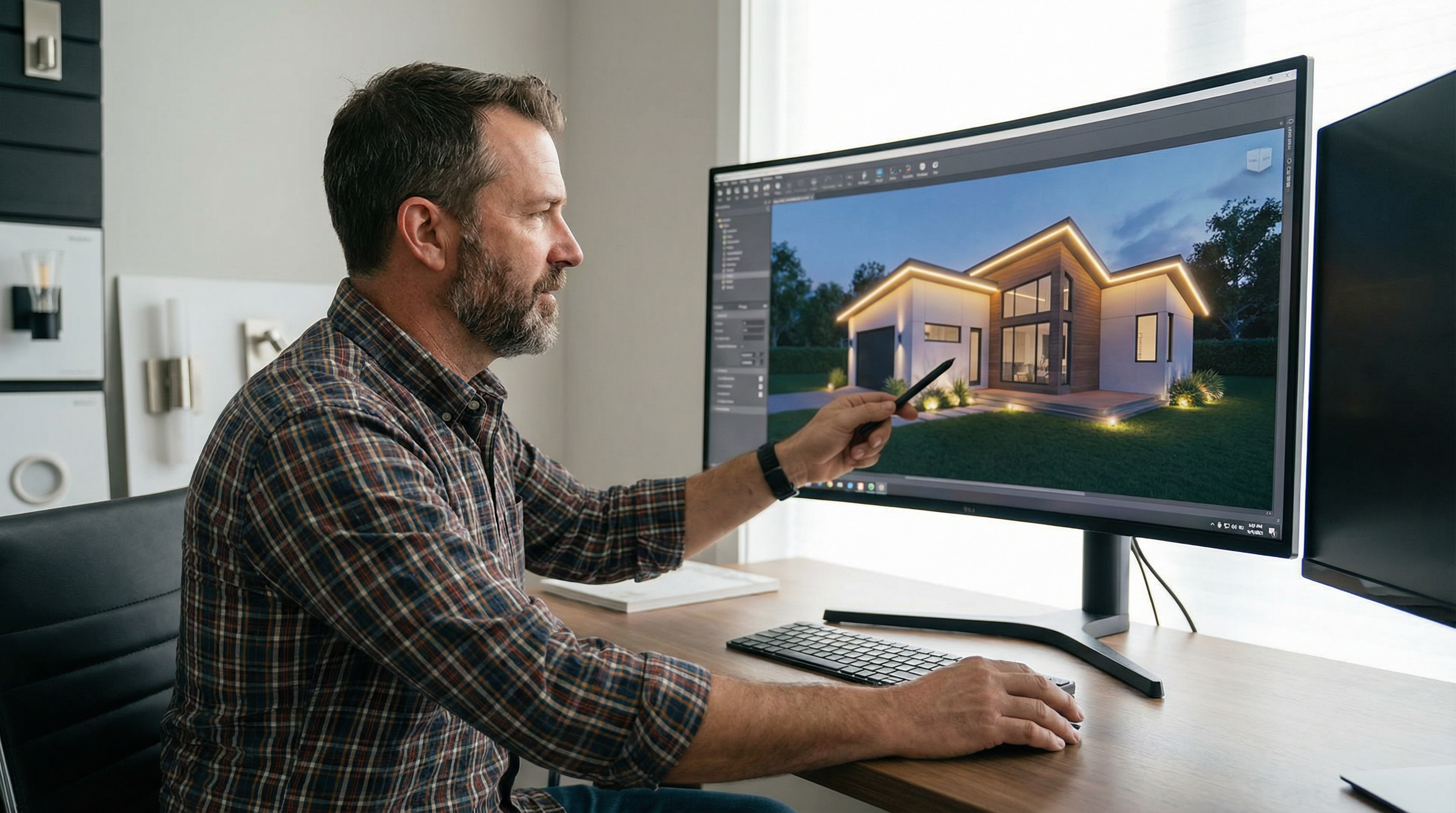
Lighting Design Programs vs CAD Software: Which Is Better for Contractors?
For professional lighting contractors, choosing between specialized lighting design programs and general CAD software is a critical decision. This guide compares the two, explaining why purpose-built tools are the superior choice for most lighting installation businesses, offering better speed, accuracy, and proposal quality.
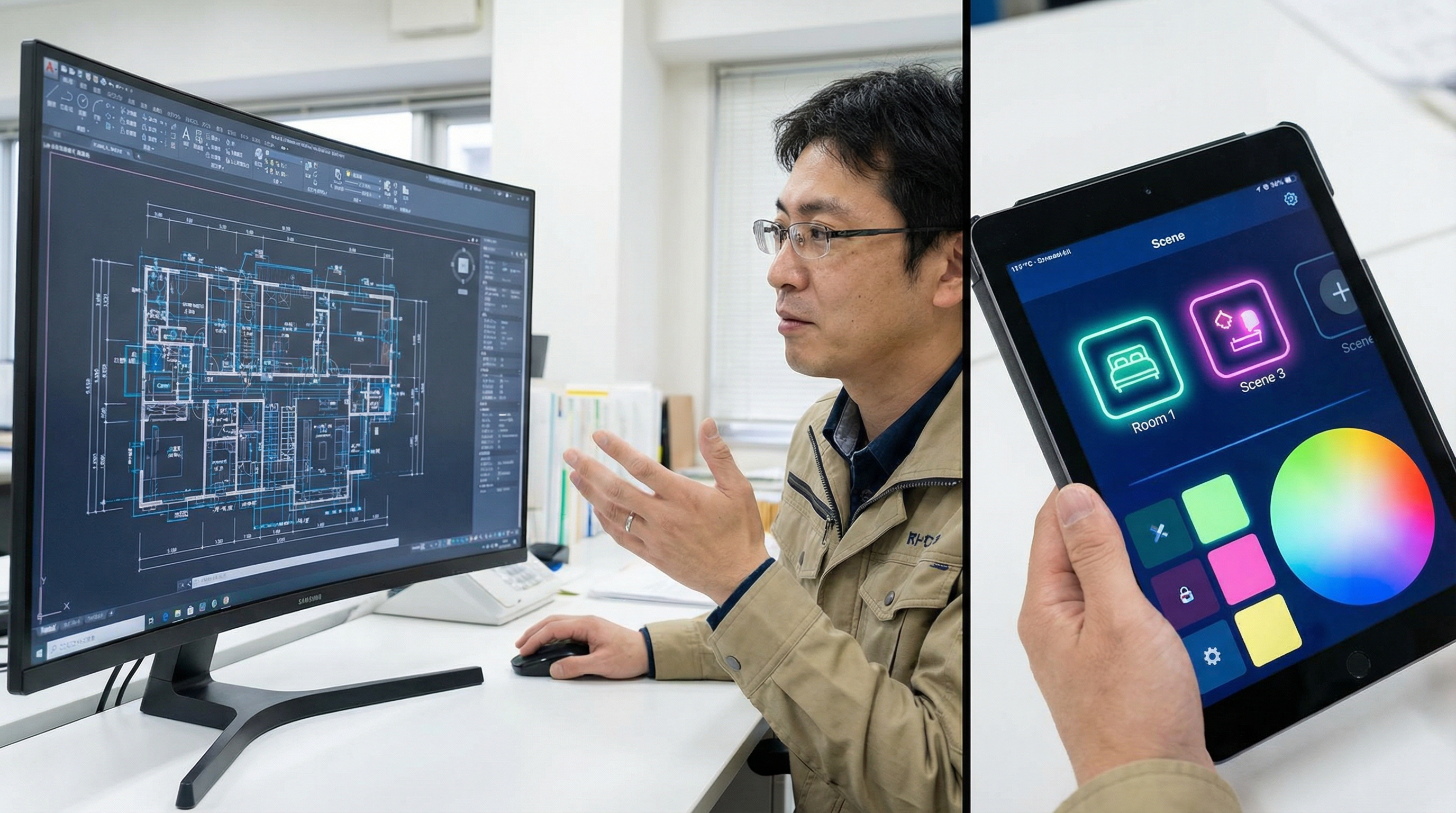
For professional lighting contractors, the right design software is a game-changer. While traditional CAD (Computer-Aided Design) software like AutoCAD has been a mainstay for decades, specialized lighting design programs are now the superior choice for the vast majority of lighting installation projects. These purpose-built tools offer unparalleled speed, accuracy, and client-facing features that directly translate to more closed deals and higher profitability.
What are Specialized Lighting Design Programs?
Specialized lighting design programs are software tools created specifically for the workflow of lighting contractors. Unlike general-purpose CAD software, these programs are built from the ground up with features that matter most to lighting professionals. This includes pre-loaded libraries of light fixtures from major manufacturers, automated calculations for power loads and spacing, and the ability to create stunning, photo-realistic mockups on an image of a client's actual property. Think of them as a digital toolkit where every tool is designed for a specific lighting task, from initial concept to final proposal.
These platforms often include features that go beyond simple design. You can find tools for project management, client communication, and even inventory tracking. The goal is to create a single, unified system that manages the entire project lifecycle, reducing the need for multiple, disconnected software applications. This integration is key to maximizing efficiency and minimizing the chances of important details falling through the cracks.
What is General-Purpose CAD Software?
CAD software like AutoCAD, SketchUp, or Vectorworks are powerful and versatile drafting tools used across many industries, from architecture and engineering to manufacturing. They provide a blank canvas for creating precise 2D and 3D models of virtually anything. For lighting, this means you can draft a property layout, place fixtures, and create detailed technical drawings. You have ultimate control over every line and every dimension, which is essential for complex, custom projects.
However, their strength is also their weakness for the average lighting contractor. Because they are not specialized, they lack the automated, lighting-specific features that streamline the design and sales process. Every fixture, every wire, and every calculation must be handled manually. This requires a deep understanding of both the software and electrical engineering principles. The process is time-consuming and prone to human error, which can lead to inaccurate quotes and costly mistakes on the job site.
People Also Ask: Key Differences Explored
Is CAD necessary for lighting design?
While CAD can be used for lighting design, it is not necessary for most contractors, especially those in the residential and light commercial sectors. Specialized software provides all the necessary design capabilities in a much more efficient package. CAD is typically only necessary for large-scale architectural projects where lighting is one component of a much larger, integrated building plan that must be shared among various engineering disciplines. For the everyday work of a holiday or landscape lighting contractor, it's often overkill.
What software do professional lighting designers use?
Professional lighting designers use a mix of tools depending on their niche. Those in architectural firms often use CAD software like Revit or AutoCAD in conjunction with advanced lighting calculation plugins like DIALux or AGi32 for precise photometric analysis. However, a growing number of residential and commercial contractors are exclusively using specialized tools like IgnitelyAI, which combines design, quoting, and proposal generation into a single, streamlined platform. This allows them to move much faster and serve a higher volume of clients effectively.
How long does it take to learn lighting design software vs. CAD?
The learning curve for specialized lighting design software is significantly shorter than for CAD. A contractor can often become proficient in a purpose-built tool within a few hours or days, thanks to intuitive interfaces and focused feature sets. Mastering CAD, on the other hand, is a major undertaking, often requiring months or even years of formal training and daily practice to become truly efficient. This steep learning curve represents a significant investment in time and money that many contractors cannot afford.
Head-to-Head: Lighting Design Programs vs. CAD Software
| Feature | Specialized Lighting Software | General CAD Software (AutoCAD, SketchUp) |
|---|---|---|
| Design Speed | Minutes per design | Hours or days per design |
| Learning Curve | Low (hours to days) | High (months to years) |
| Cost | Lower (typically a monthly subscription) | Higher (expensive perpetual licenses or high subscriptions) |
| Fixture Libraries | Built-in, extensive, and regularly updated | Manual creation or sourcing of fixture blocks |
| Calculations | Automated (power load, spacing, counts, voltage drop) | Manual and prone to error |
| Proposal Quality | High (photo-realistic mockups, professional templates) | Varies (requires significant effort to create compelling visuals) |
| Workflow | All-in-one: Design, Quote, Propose | Disjointed: Requires multiple programs for design and proposals |
Why Purpose-Built Tools Win for Most Contractors
The data is clear: for the day-to-day reality of a lighting contractor, specialized tools provide a massive competitive advantage. It's not just about making pretty pictures; it's about building a more efficient and profitable business.
Unmatched Speed and Efficiency
The single biggest advantage is speed. The ability to take a photo of a client’s home during a consultation and create a beautiful design mockup on the spot is a powerful sales tool. This “design in minutes, not hours” approach means you can deliver proposals faster than your competitors, dramatically increasing your chances of winning the job. This frees up your time to focus on more sales calls, managing your installations, and growing your business, rather than being bogged down in complex drafting work. Consider reading our guide on how to price Christmas light jobs to further optimize your quoting process.
Bulletproof Accuracy
Specialized software automates the tedious and error-prone parts of the job. It automatically calculates the number of lights needed, the total power draw to ensure you’re not overloading a circuit, and the precise material lists for the installation crew. This eliminates costly mistakes, change orders, and return trips to the job site. This level of accuracy also means your quotes are more reliable, building trust with clients and protecting your profit margins.
Stunning, Professional Proposals
Homeowners have a hard time visualizing what their lighting will look like from a 2D black-and-white CAD drawing. A photo-realistic mockup from a tool like the IgnitelyAI mockup generator, however, sells the job for you. It shows the client exactly what they are getting, builds excitement, and justifies a premium price. These professional proposals build trust and set you apart from less tech-savvy competitors who are still using hand-drawn sketches or generic templates.
“Switching from CAD to a specialized design tool cut our proposal time by 80% and increased our close rate by 30% in the first season. The ROI was immediate.” - Permanent Lighting Business Owner Survey, 2025
When Does CAD Still Make Sense?
Despite the clear advantages of specialized tools, CAD still has its place. For contractors working on large-scale new construction projects with architects and engineers, CAD is often a requirement for sharing files and integrating with the master architectural plans (e.g., DWG files). If you are involved in the custom fabrication of fixtures or complex structural elements, the precision and flexibility of CAD are indispensable. However, for the 90% of contractors focused on residential and commercial installations of pre-manufactured products, it is an overpowered and inefficient tool for the job.
The Future is Integrated
The best lighting design software is more than just a drawing tool—it's the hub of your business. Modern platforms like IgnitelyAI integrate design with quoting, material ordering, and even client communication. This creates a seamless workflow from the initial lead to the final installation, eliminating duplicate data entry and ensuring everyone on your team is on the same page. This holistic approach is the future of the contracting business, enabling greater efficiency and scalability.
By embracing specialized software, you're not just buying a tool; you're investing in a more efficient, professional, and profitable business model. You're equipping yourself to win in a competitive market where speed and client experience are paramount. For related reading, see our post on the best Christmas light design software.
Frequently Asked Questions
What's the main difference between lighting design software and CAD?
The main difference is specialization. Lighting design software is purpose-built for contractors with features like fixture libraries and automated calculations, while CAD is a general-purpose drafting tool that requires manual work for lighting-specific tasks.
Can I use AutoCAD for professional lighting design?
Yes, but it's inefficient for most contractors. It's best suited for large architectural projects where integration with other plans is necessary. For typical residential or commercial jobs, specialized software is much faster.
How much faster is specialized software compared to CAD?
Significantly faster. A design that could take hours in CAD can often be completed in just a few minutes with a specialized tool, especially one with photo-based mockups.
Is it hard to learn lighting design software?
No, most specialized lighting design programs are designed to be user-friendly and can be learned in a few hours or days, unlike the steep learning curve of professional CAD software which can take months.
What is the ROI on specialized lighting design software?
The ROI is typically very high and fast. Contractors often see a return on investment within the first month through significant time savings on proposals, increased close rates due to better presentations, and fewer costly errors in estimation.
Does IgnitelyAI replace the need for CAD software?
For the vast majority of Christmas and permanent lighting contractors, yes. IgnitelyAI provides all the necessary tools for design, quoting, and creating client-facing proposals, making separate CAD software unnecessary and inefficient for their workflow.
What are the hidden costs of using CAD for lighting design?
Beyond the high license fees, hidden costs include extensive training time, the need to purchase or create symbol libraries, time spent on manual calculations, and the opportunity cost of slower proposal generation, which can lead to lost bids.
Ready to Transform Your Lighting Business?
Join thousands of lighting contractors using IgnitelyAI to create stunning mockups, close more deals, and grow their business.
Start Your Free Trial